Test — Booking & Availability
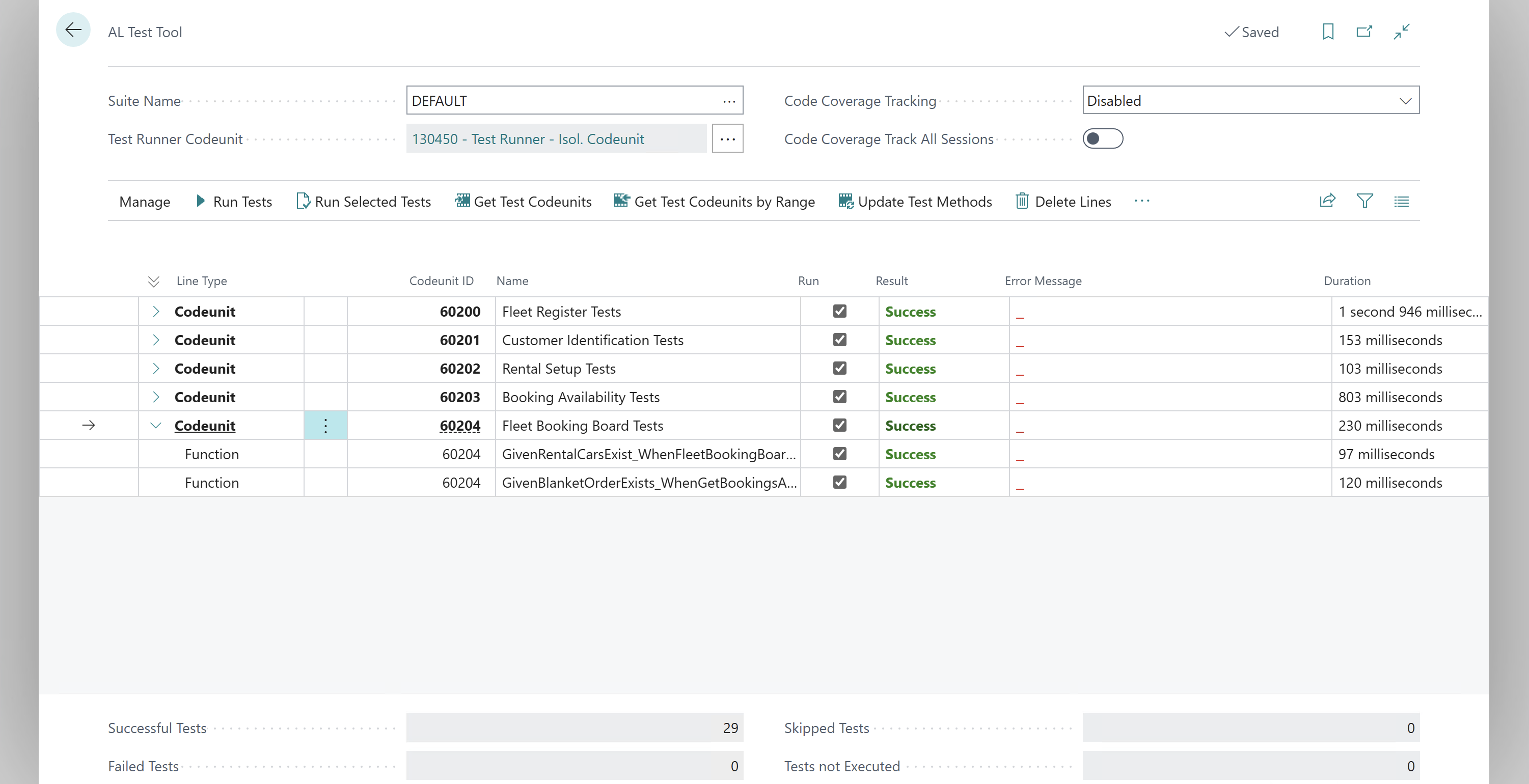
The agent wrote and ran the automated tests during implementation — they're already green. This step is about you confirming the feature feels right as a user.
Publish and open BC
Open BC (app should be published already) and walk through the key UI flows manually.
Check the Fleet Booking Board
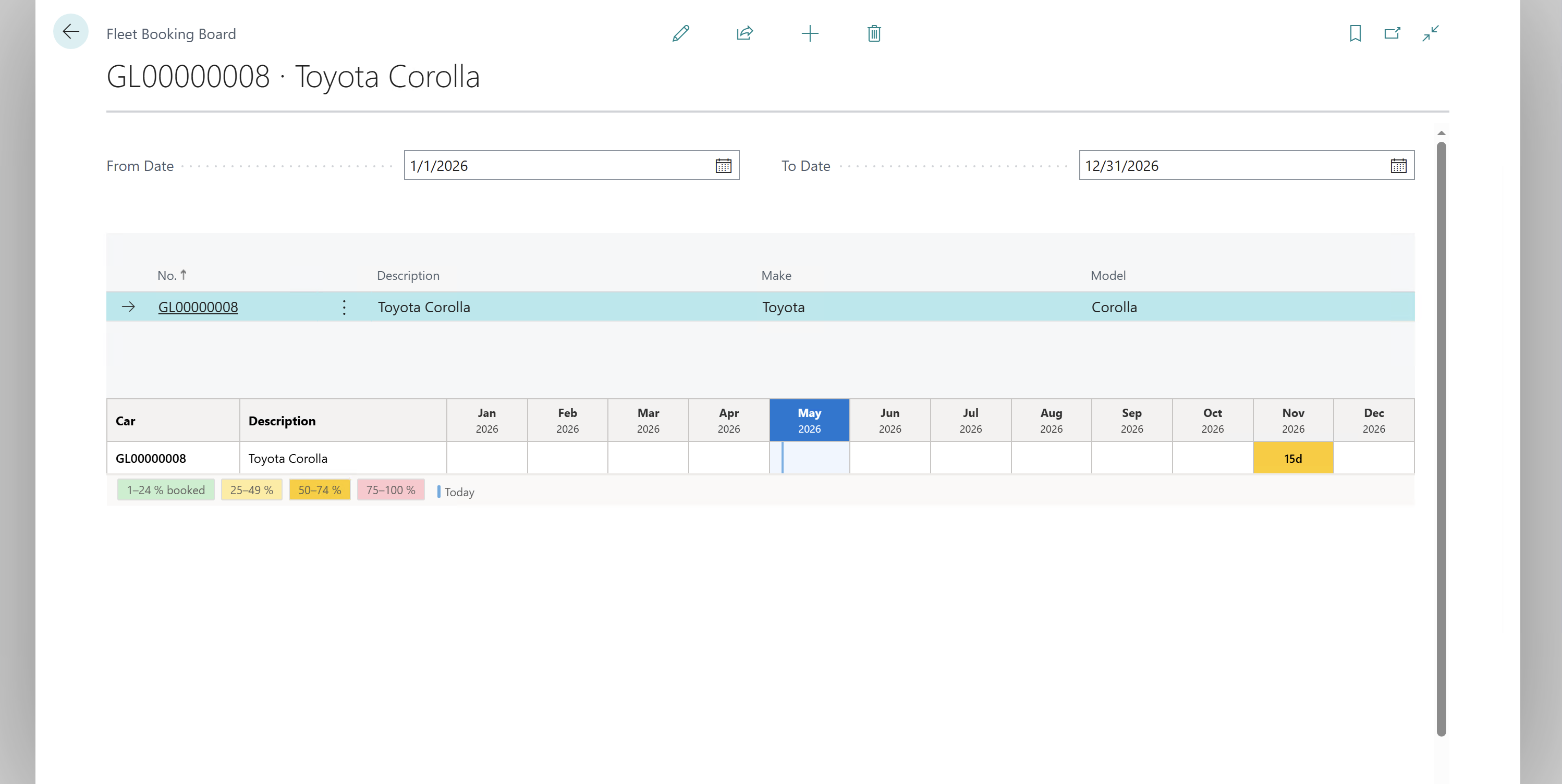
- Navigate to Fleet Booking Board (search for it in BC)
- Verify cars appear as rows
- Veryfy you can set Date filters
Automated tests
All tests should already be green from the implement step.